The desktop softphone built for Zopi clients. Make and take calls on your Zopi number, manage your extension and stay connected, all from your PC.
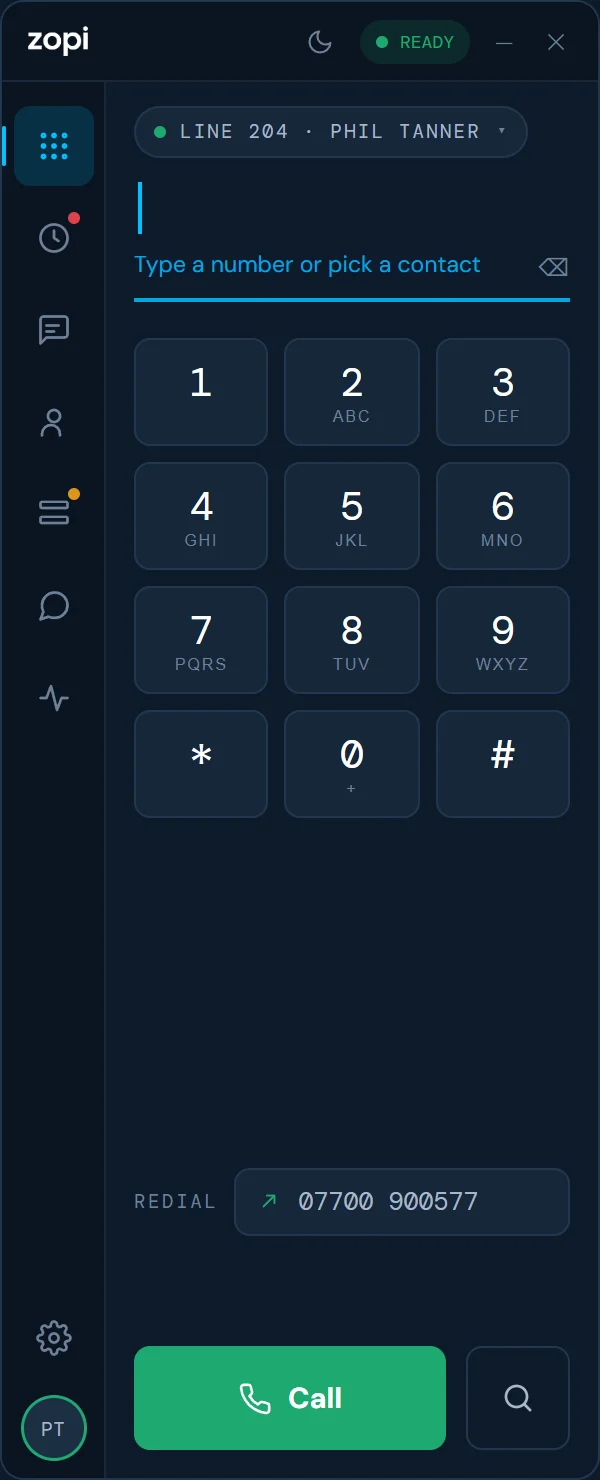
This is the real Zopi Phone 2.0.15, running in your browser on a pretend line. Dial a number, answer a call, put it on hold, transfer it, or look through History and Contacts. Nothing is really called.
Sample people and numbers only. Headset buttons and Windows notifications work in the real app. History, Contacts and Settings open wide, so they’re easiest to explore on a bigger screen.
No SIP servers, no port numbers, no fiddly settings. Zopi Phone sets itself up straight from our servers.
Run the installer on your Windows 10 or 11 PC. It’s a light app that sits in the tray and starts with Windows.
Use your Zopi login. Your extension, voicemail, contacts and call settings arrive automatically.
If we change your setup on our side, the app picks it up on its own, and updates install quietly in the background.
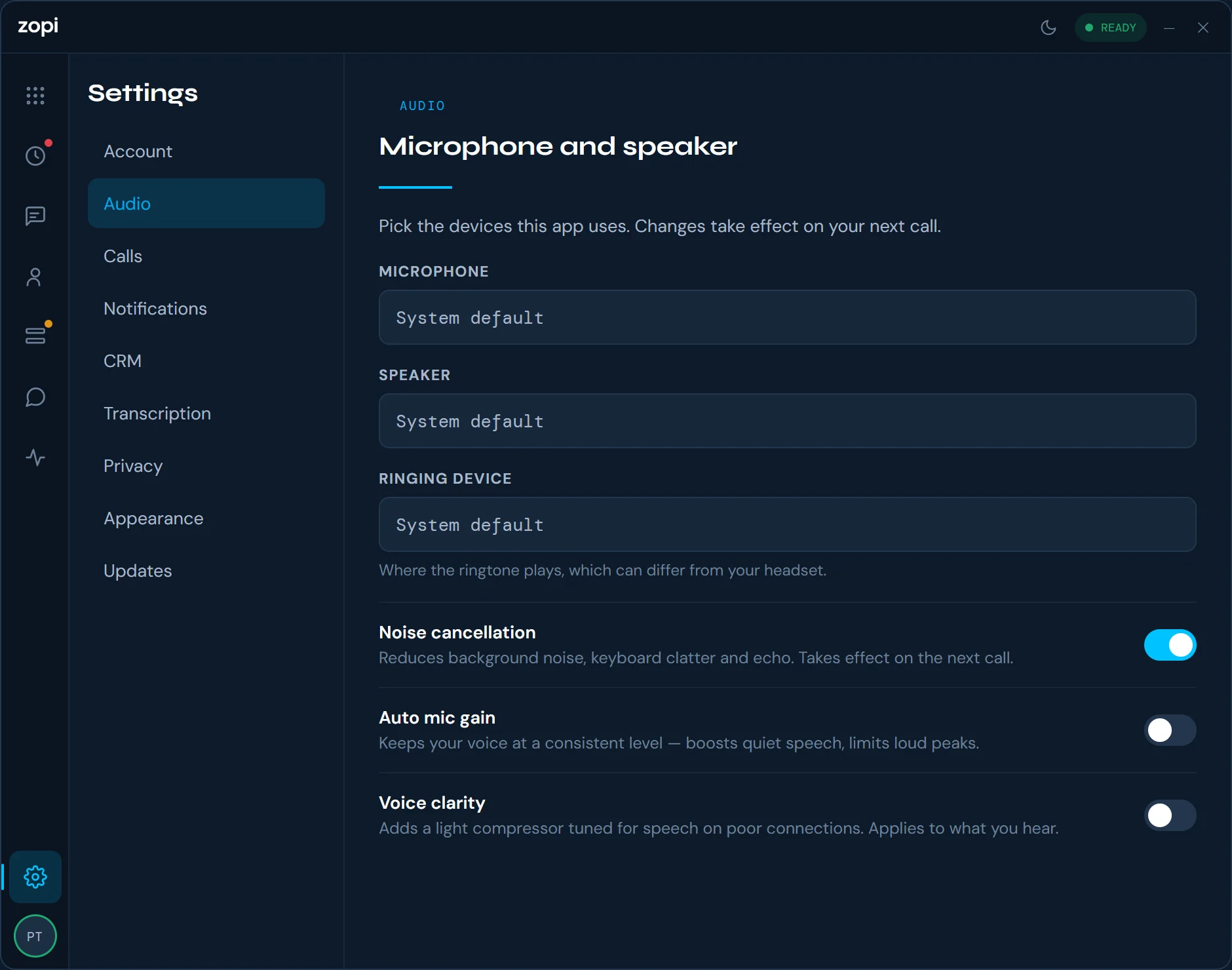
Audio processing cleans up every call as it happens, on both ends of the line.
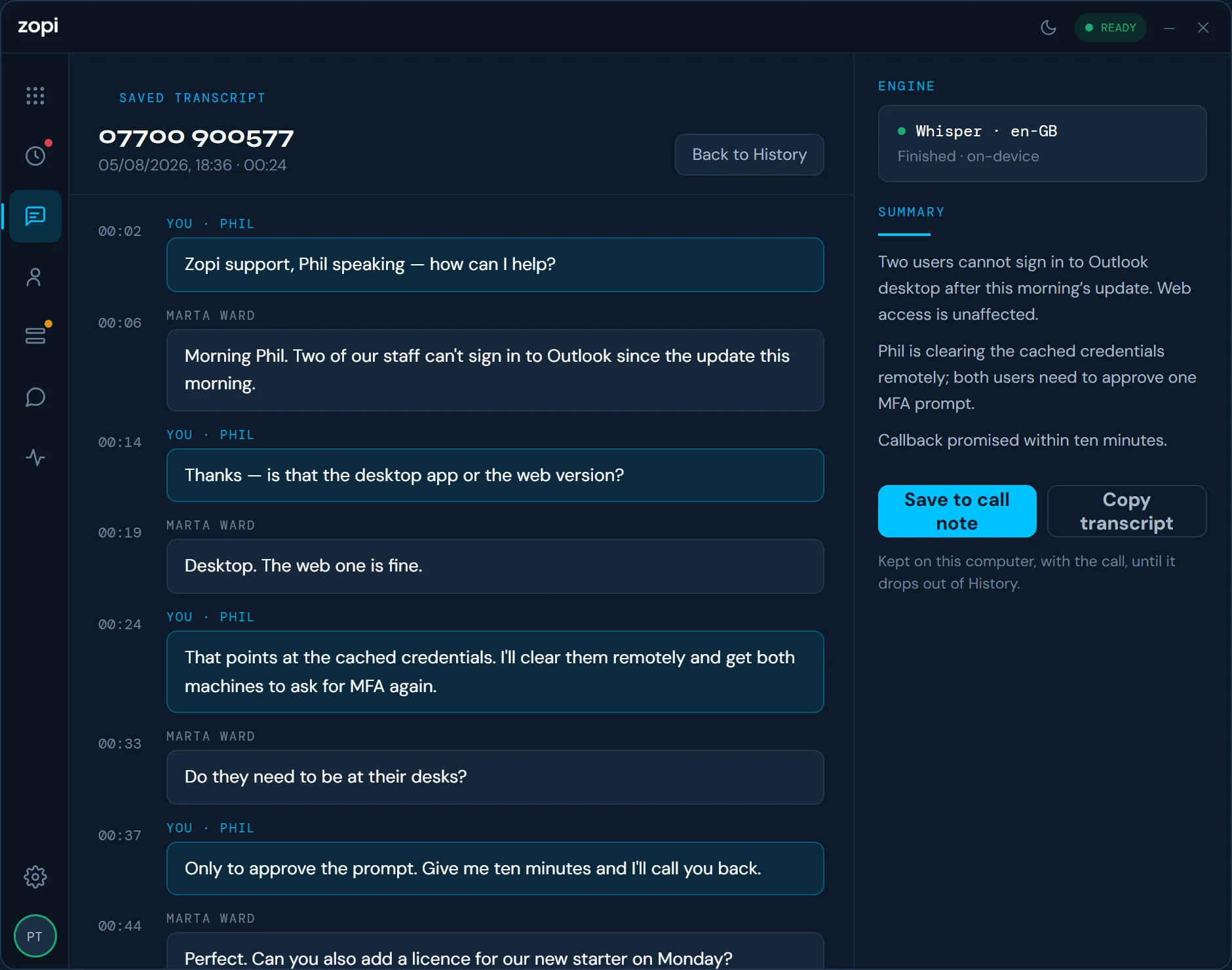
Zopi Phone can transcribe your calls as they happen, then write a short summary with the actions agreed. It all runs on your own computer: call audio, transcripts and summaries never leave it.
Hold, transfer, mute, call waiting, conference calls and every standard business feature, on your Zopi extension.
Never miss a call. Alerts appear on your desktop even when Zopi Phone is minimised to the tray.
Match calls to contacts, log them against records and click to dial from your browser. Add connectors in Settings.
New features and fixes install quietly in the background, with nothing for you to do.
Calls use encrypted connections, and your login and call data stay on Zopi’s own systems.
A true Windows app that starts with your PC, sits in the tray and won’t slow down the rest of your work.
What’s changed in each version. Your app updates itself, so you’re always on the latest.
Loading…
Zopi Phone comes with every Zopi extension, from £25 a month with unlimited UK calls. Need an extension? Talk to us.
