Zopi Guard protects Windows servers from people trying to guess their way in through Remote Desktop and other services. It watches every failed sign-in and blocks attackers at the firewall, automatically. Until now, each server learned about attackers on its own. From today, they learn from each other.
Why it matters
Password guessing is relentless. Any server you can reach from the internet over Remote Desktop gets tried day and night, by automated tools working through lists of common usernames and passwords. Guard already stops that on each server: it blocks an address for a short while after a few failed attempts, and for good if it keeps going.
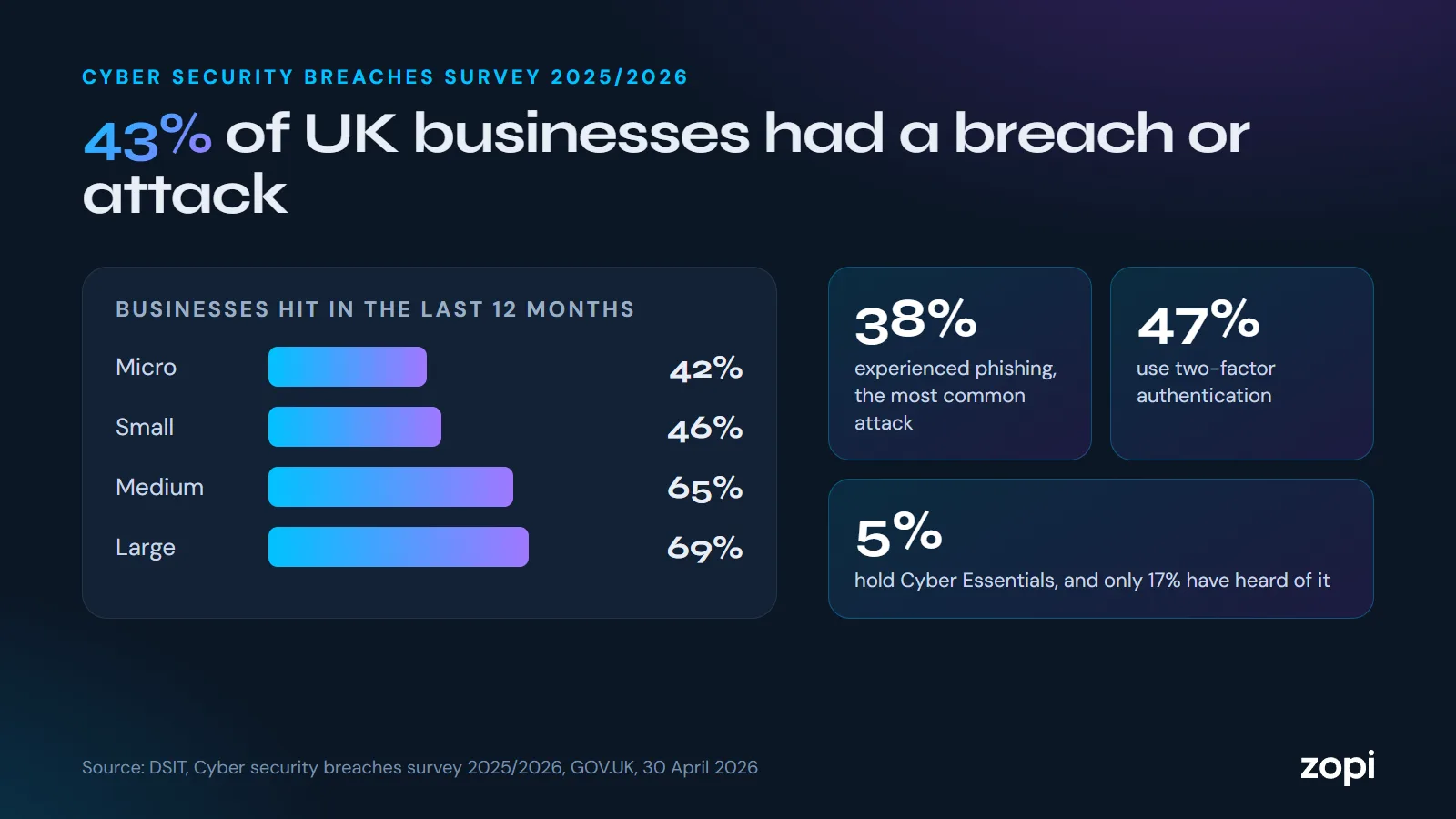
The weak spot was the first few tries. An attacker who'd already been caught on one server could start fresh on the next. And it only takes one lucky guess, which is why the government's latest Cyber Security Breaches Survey is worth reading: only 47% of UK businesses use two-factor authentication, so for many of them a password is the only thing standing in the way.
How the shared block list works
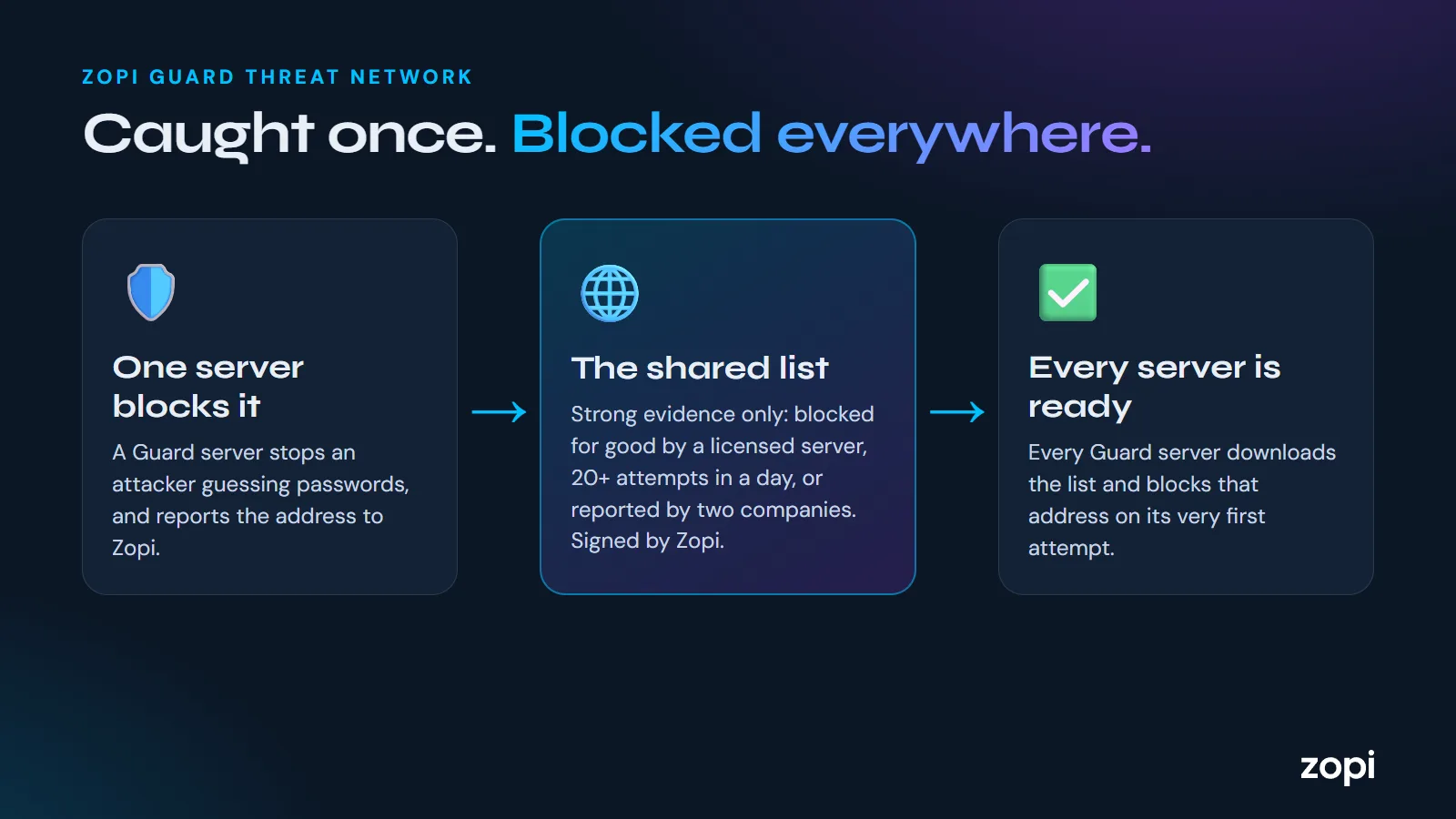
When a server running Zopi Guard blocks an attacker, it reports the address to Zopi. Every Guard server then downloads a shared block list, so an address caught at one business is stopped at the others on its very first attempt.
An address only goes on the list when the evidence is strong:
- A licensed Guard server has blocked it for good, or
- One licensed server has seen 20 or more failed logins from it in a day, or
- Two or more different companies have reported it
Addresses come off the list 30 days after they were last seen attacking.
Built so it can't be misused
- Free trials can't add anyone to the list on their own, so nobody can start a trial just to get someone else's address blocked
- Addresses we know are good are never listed: Guard servers' own addresses, and the connections our clients use for the Zopi client portal
- Each server still makes its own decisions: it never blocks an address on its allow list, or one that has signed in successfully
- The list is signed with a key only Zopi holds, and every server checks the signature before using it
What Guard shares, and what it doesn't
Guard sends the attacker's address, when it was seen and how many attempts it made. It never sends usernames or passwords, private network addresses, or any address that has logged in successfully. Our privacy policy has the details.
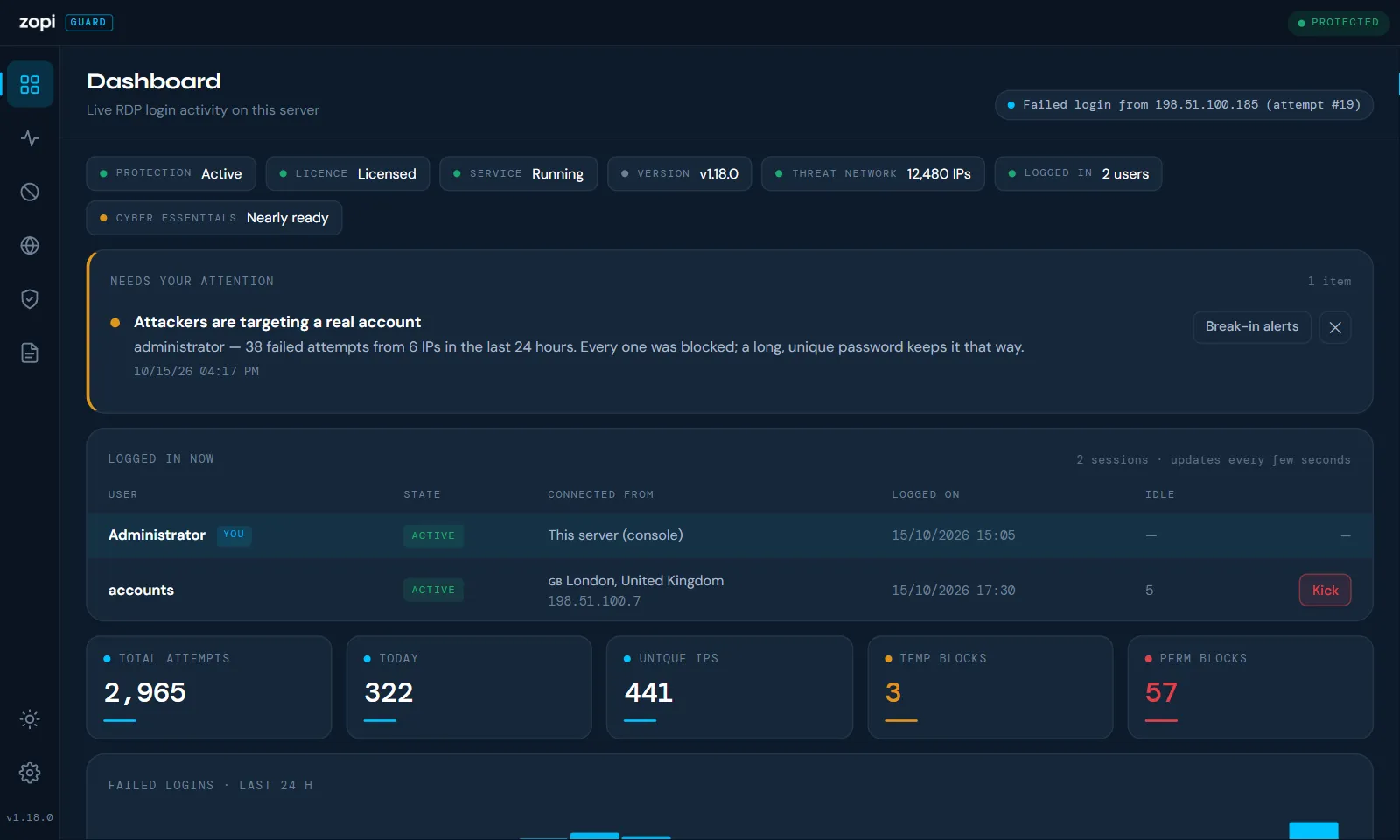
Also new in Zopi Guard 1.19.0
- Locations for every attacker on the attack map, looked up on Zopi's own servers rather than a third-party service
- "Only allow Remote Desktop from these countries", now with up-to-date country address data from Zopi
Getting it
Servers already running Zopi Guard update themselves. New to Guard? Every server gets a free 30-day trial, and Guard is free for Zopi managed IT support customers. You can watch it stop an attack in your browser first, then call us on 0204 502 1288.
Sources
- Cyber security breaches survey 2025/2026, Department for Science, Innovation and Technology, GOV.UK, 30 April 2026