If your phones are with Zopi, the Reports page of the client portal already showed how many calls came in, how many were answered and who called when nobody picked up. This week it gained three things clients have asked for: a report for a single day, a full picture of outgoing calls, and a proper PDF to save or send.
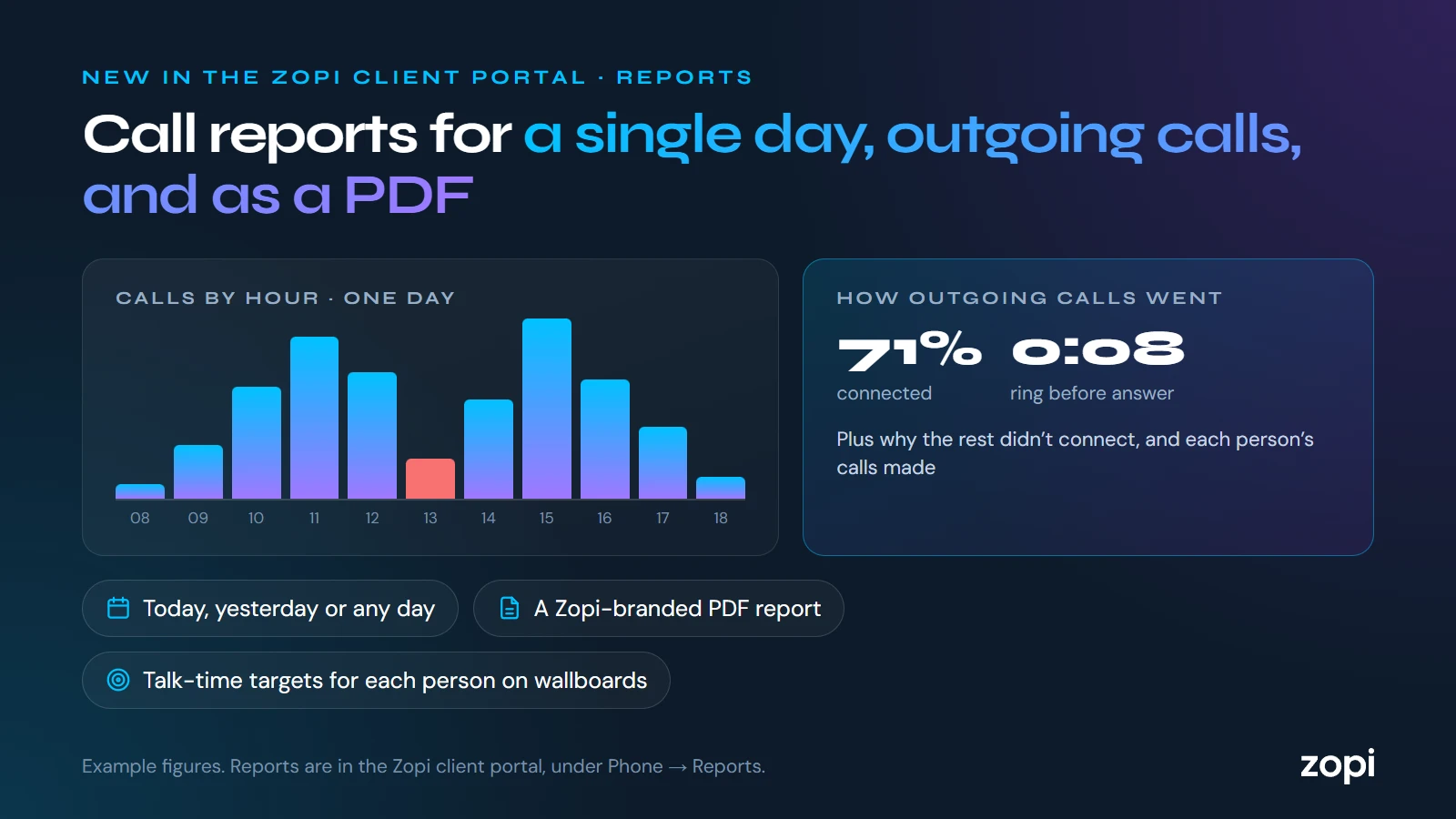
One day at a time
Choose Today, Yesterday or Choose a day… and the report shows that day hour by hour: how many calls came in, which were missed and when the busiest hour was. It's an easy way to check how a busy Monday went, or why the phones felt quiet on Friday afternoon.
How outgoing calls went
Reports now cover calls your team makes, not just the ones they receive:
- Connected: how many outgoing calls the other person picked up.
- Ring time: how long it rang, on average, before they answered.
- Why the rest didn't connect: no answer, busy, hung up before an answer, or the call couldn't go through.
- By person: calls made, connected, average ring and average talk time for each member of the team.
A proper PDF
Press PDF report for a Zopi-branded copy of the report, with the summary, charts, the calls each person handled and the missed calls to ring back. It's ready to save, email to a manager or print for a team meeting.
Talk-time targets for each person
Wallboards could already show a talk-time target for the whole team. Now different people can have their own, for example three hours for full-timers and 90 minutes for part-timers. The wallboards guide has the steps.
How to find it
Sign in to the client portal and go to Reports, under Phone. The main account holder and anyone with access to company reports can see the whole company; everyone else sees their own calls. Our call reports guide explains each part. Not with Zopi for your phones yet? Have a look at our business phone systems, or call us on 0204 502 1288.