Microsoft released its monthly security updates on Tuesday 10 November, fixing more than 1,000 flaws across Windows, Office and its other products. One of them, in Outlook, was already being used by attackers before the fix came out. If your computers haven't installed this month's updates yet, now is the time to make sure they do.
The Outlook flaw attackers were already using
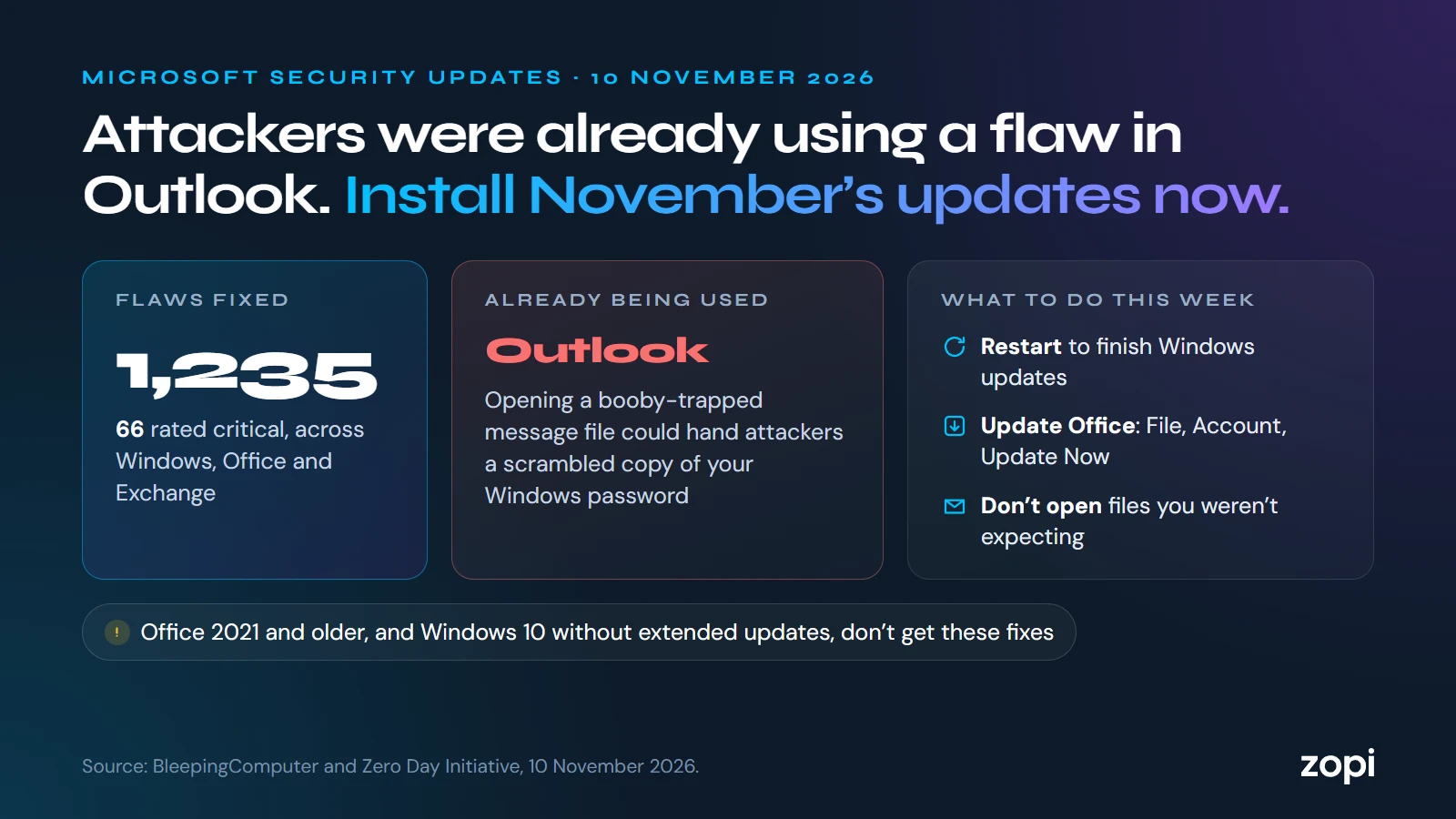
The flaw (CVE-2026-124194) lets someone send a specially made message file. When it's opened, Outlook quietly connects to a computer the attacker controls, without the warning it would normally show. BleepingComputer reports that attackers used this to steal password hashes: a scrambled form of a Windows password that criminals can try to crack or reuse to get into other systems.
The good news is that someone has to open the file for it to work. The Zero Day Initiative says simply seeing a message in the reading pane isn't enough. But that's exactly what a convincing email asks you to do, so the fix matters.
A very big month for fixes
BleepingComputer counts 1,235 flaws fixed on the day, 66 of them rated critical. Most of the critical ones could let an attacker run their own programs on a computer:
| Item | Value |
|---|---|
| Could run an attacker's code | 48 |
| Could give an attacker more control | 15 |
| Microsoft Edge browser | 3 |
Source: BleepingComputer, 10 November 2026
There are also critical fixes for Excel, Word and PowerPoint, which can be triggered by opening a file. If you run your own office server, the most serious flaws this month are in Windows servers and Exchange email servers, and the Zero Day Initiative advises installing those quickly.
Which updates you need
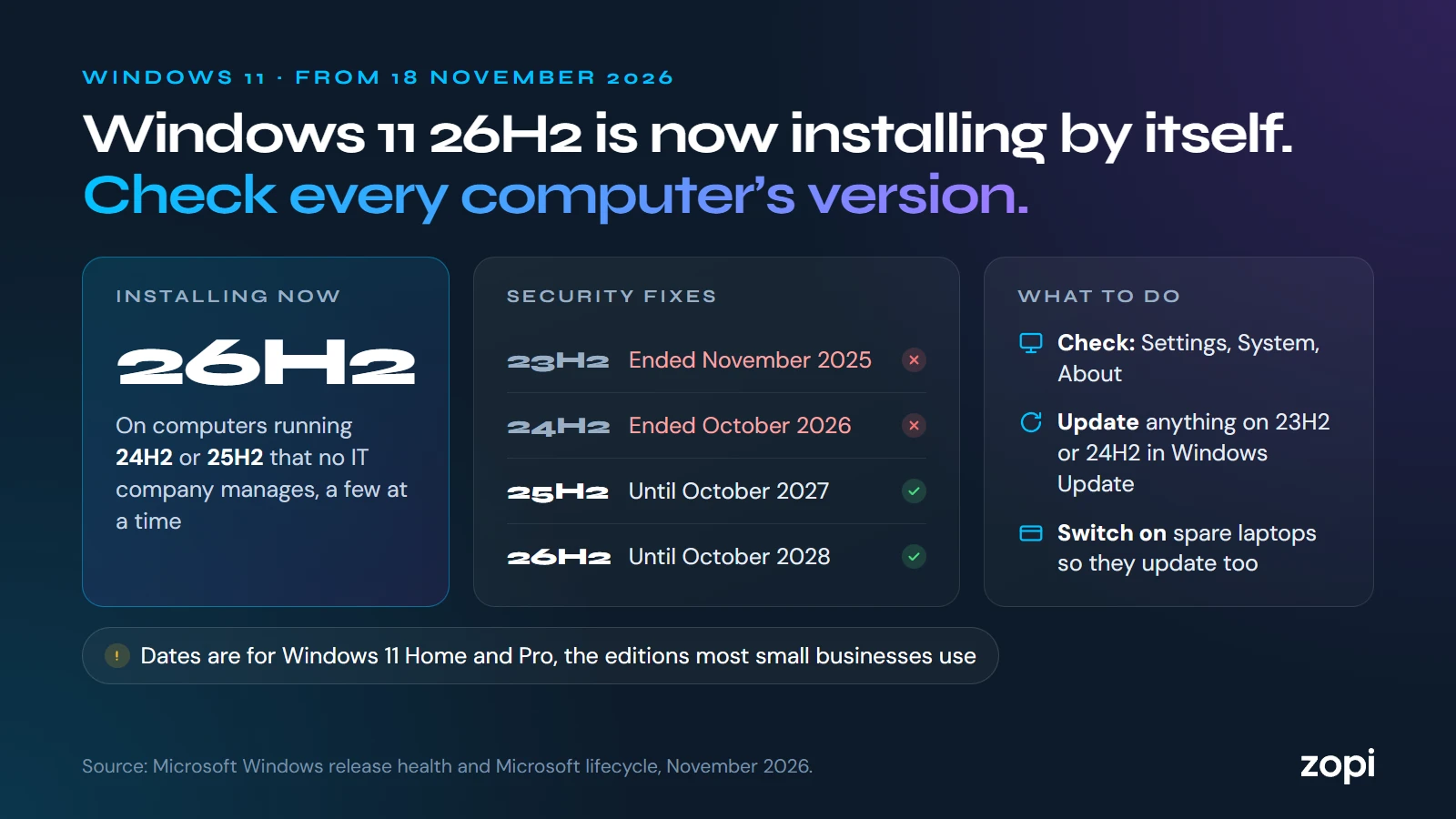
- Windows 11: this month's cumulative update, which covers versions 23H2 to 26H2;
- Windows 10 with Extended Security Updates: update KB5131096. Without Extended Security Updates, Windows 10 no longer gets fixes like these;
- Microsoft 365 apps and Office: Outlook, Word and Excel update separately from Windows. Office 2021 and older no longer get security fixes, so they stay exposed.
What to do this week
- Restart every computer: Windows often downloads updates but waits for a restart to finish them. In Settings, then Windows Update, check it says you're up to date;
- Update Office: open Outlook or Word, go to File, then Account, then Update Options, and choose Update Now;
- Don't open unexpected attachments: especially message files or documents you weren't expecting, even if they seem to come from someone you know. If in doubt, ring the sender;
- Check laptops that are rarely used: a computer left in a drawer misses every update until it's switched on.
How Zopi can help
If Zopi looks after your computers, we'll make sure November's updates have finished installing on every device, and let you know if any need a restart. Not with Zopi yet? Our managed IT support keeps Windows and Microsoft 365 updated for you, so you don't have to remember. Call us on 0204 502 1288 for a free, no-obligation chat.
Sources
- Microsoft November 2026 Patch Tuesday fixes 1,235 flaws, Outlook zero-day, BleepingComputer, 10 November 2026
- The November 2026 Security Update Review, Zero Day Initiative, 10 November 2026
- Microsoft Security Update Guide, Microsoft