Wallboards in the Zopi client portal show your team's calls live: who's on a call, who's waiting in a queue and how the day is going. They're at their best on a big screen everyone can see, and now getting one onto the office TV takes about a minute, with no long links to type with a TV remote.
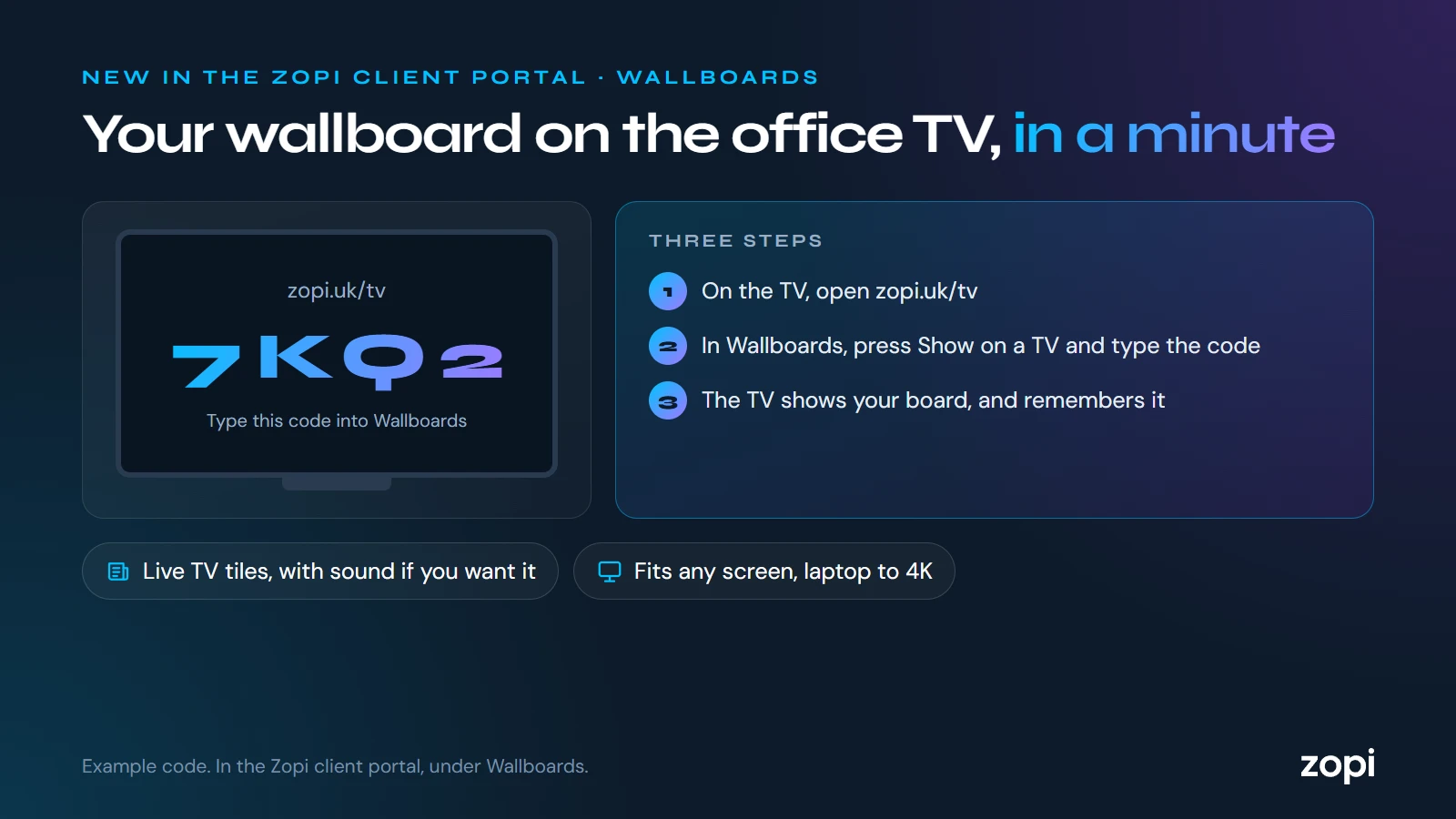
Three steps
- On the TV, open its web browser and go to zopi.uk/tv. It shows a short code.
- In the client portal, open Wallboards, press Show on a TV and type that code.
- That's it: the TV switches to your board straight away.
It comes back by itself
The TV remembers which board it shows. Set zopi.uk/tv as the TV browser's home page, and the board comes back on its own after the TV has been switched off. Each TV is listed under its wallboard, so you can see where a board is showing and remove a TV you no longer use.
Live TV on the board
Add a Live TV tile to show Sky News or Bloomberg alongside your call figures. It plays silently with subtitles, or turn on Sound in the tile and press OK on the TV remote once. Showing live TV at work needs a TV Licence for your premises.
Fits any screen
Boards now fit whatever they're shown on, from a laptop to a 4K TV, and a long team list shows a page at a time instead of running off the bottom of the screen.
How to find it
Sign in to the client portal and open Wallboards. The wallboards guide has every step. Not with Zopi for your phones yet? Have a look at our business phone systems, or call us on 0204 502 1288.