If your business bought Office as a one-off purchase in the last few years, there's a good chance it's Office 2021. On 13 October 2026, Microsoft stopped supporting it. Word, Excel and Outlook will still open, but they no longer get security updates, so any new weakness found in them from now on will stay open for good.
What has ended
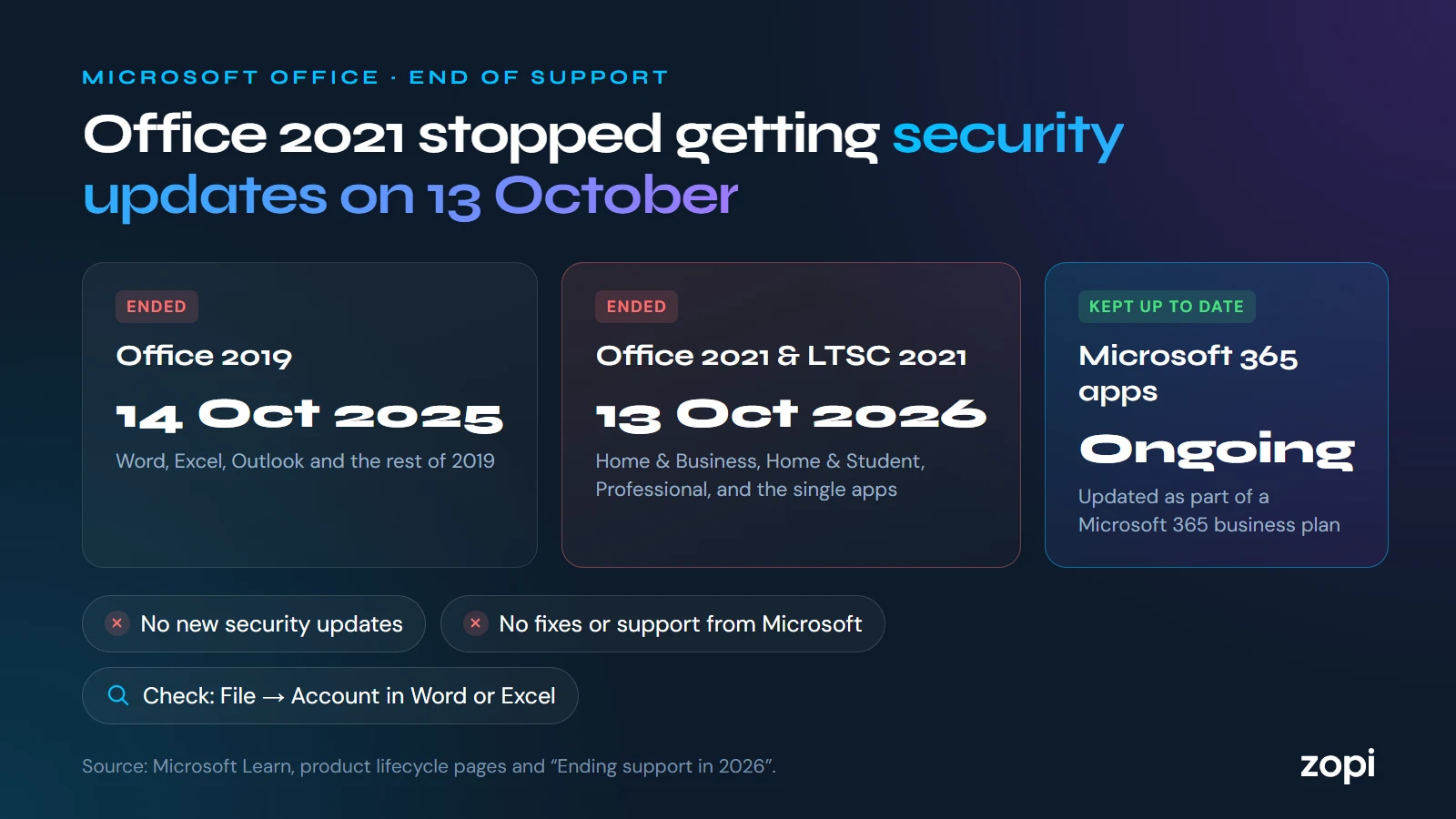
Microsoft's support for these ended on 13 October 2026:
- Office 2021: Home & Business, Home & Student and Professional, for Windows and Mac.
- The single 2021 apps: Word, Excel, Outlook, PowerPoint, Access, Publisher, OneNote, Project and Visio 2021.
- Office LTSC 2021: the version sold to businesses through volume licensing.
Office 2019 had already ended a year earlier, on 14 October 2025.
What it means
In Microsoft's words, after the end of support "there will be no new security updates, non-security updates, free or paid assisted support options". The apps don't stop working, which is exactly why this is easy to miss.
It matters because Office is how a lot of attacks arrive: an Outlook email, or a Word or Excel file attached to one. An Office version that no longer gets security fixes is a weak spot on every computer that has it.
How to check what you have
Open Word or Excel and go to File, then Account. Under Product Information you'll see either:
- Microsoft 365, which is kept up to date as part of your subscription; or
- a version with a year, such as Office Home & Business 2021 or Office Professional 2019, which is a one-off version with an end date.
What to do
For most businesses, the simplest fix is to move to a Microsoft 365 business plan, which includes the Office apps and keeps them up to date. Most plans also include business email, OneDrive and Teams. See what Microsoft 365 costs now after this year's price changes.
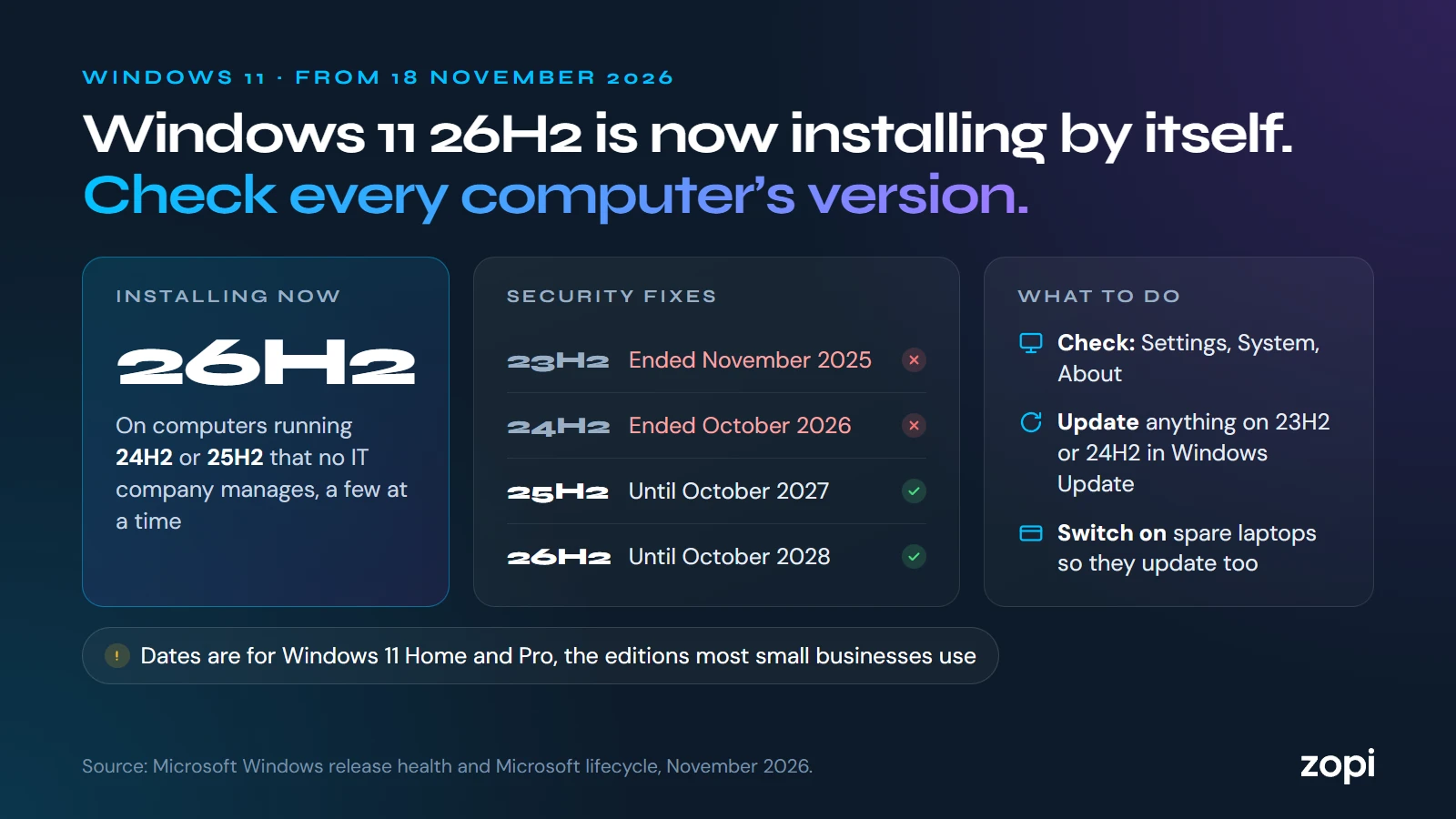
Windows 11 Home and Pro version 24H2 also stopped getting updates on the same day, so it's worth checking your Windows version while you're at it.
How Zopi can help
We can check which version of Office every computer in your business has, move you to the right Microsoft 365 plan, and keep everything updated from then on as part of our managed IT support. Call us on 0204 502 1288 for a free, no-obligation chat.
Sources
- Ending support in 2026, Microsoft Learn
- Office 2021 lifecycle and Office LTSC 2021 lifecycle, Microsoft Learn
- Ending support in 2025, Microsoft Learn